
October 23, 2026 · Nubo Editorial
From Freepik / Magnific to client delivery: a designer’s checklist
A field checklist for Magnific upscales: naming, licensing, expiring links, and client-ready archives.

Shipping a Magnific upscale to a client is not “download and attach.” Treat it as a mini production line: source → enhance → deliver → archive → invoice.
Use this checklist the next time a Freepik / Magnific asset needs to leave your machine.
1. Confirm the source and the brief
- Which campaign, which size, which deadline?
- Is the base image from Freepik under a license that allows AI enhancement and commercial use for this client?
- Did the client approve the creative direction before you burn credits?
Skipping this step is how revision loops eat your margin.
2. Capture the exact resource URL
Do not rely on “I will find it later in history.” Save the Magnific resource URL in the job ticket or Notion row. That single string is what makes re-delivery possible without archaeology.
3. Prefer a logged download over a casual browser save
For client work, prefer a flow where:
- You paste the resource URL
- You receive a private, time-limited download link
- Usage is logged (one successful file = one credit)
That pattern is what Nubo handles day to day, so finance and creative stay aligned.
4. Download inside the delivery window
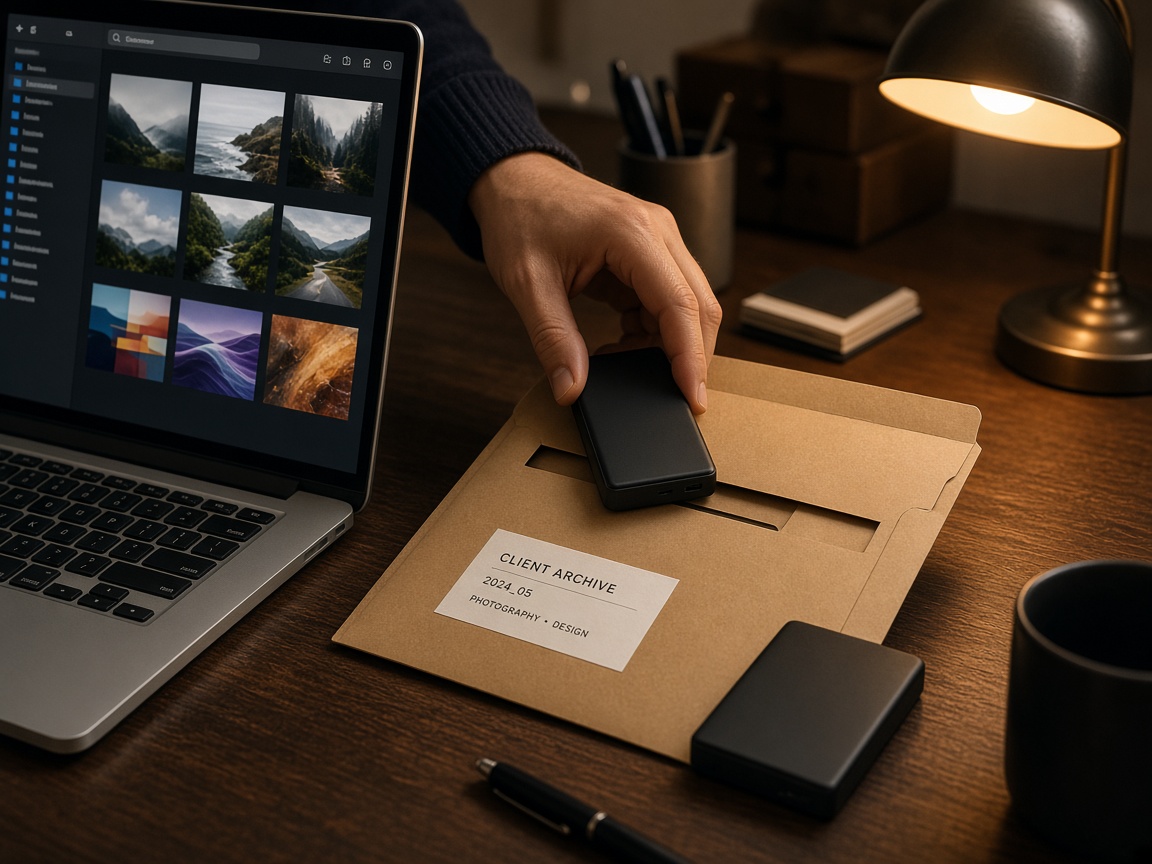
Links that expire in about two hours are a feature, not a bug. Inside that window:
- Download the file
- Rename it to your studio convention
- Move it into the client archive
Do not leave the only copy living in an email thread.
5. Name files like you will forget them in six months
Use client, campaign, and version in the filename. Future you will not remember what final_final2.png meant.
6. Note the credit spend on the job
One line in the ticket: “1 Nubo credit, Magnific upscale, [date].” Invoice math gets easier.
7. Hand off with the archive path, not the live link
Send clients the file (or a Drive folder you control). Do not forward the temporary download URL and hope it still works tomorrow.
Closing
Magnific gets you the pixels. The checklist gets you paid without drama. If you want the download step logged and refundable on fail, start at trynubo.com.