
October 18, 2026 · Nubo Team
Best ways to manage design assets in a team
How agencies organize, license, and deliver design assets with clear ownership and expiring download links.
- agencies
- workflow
- assets
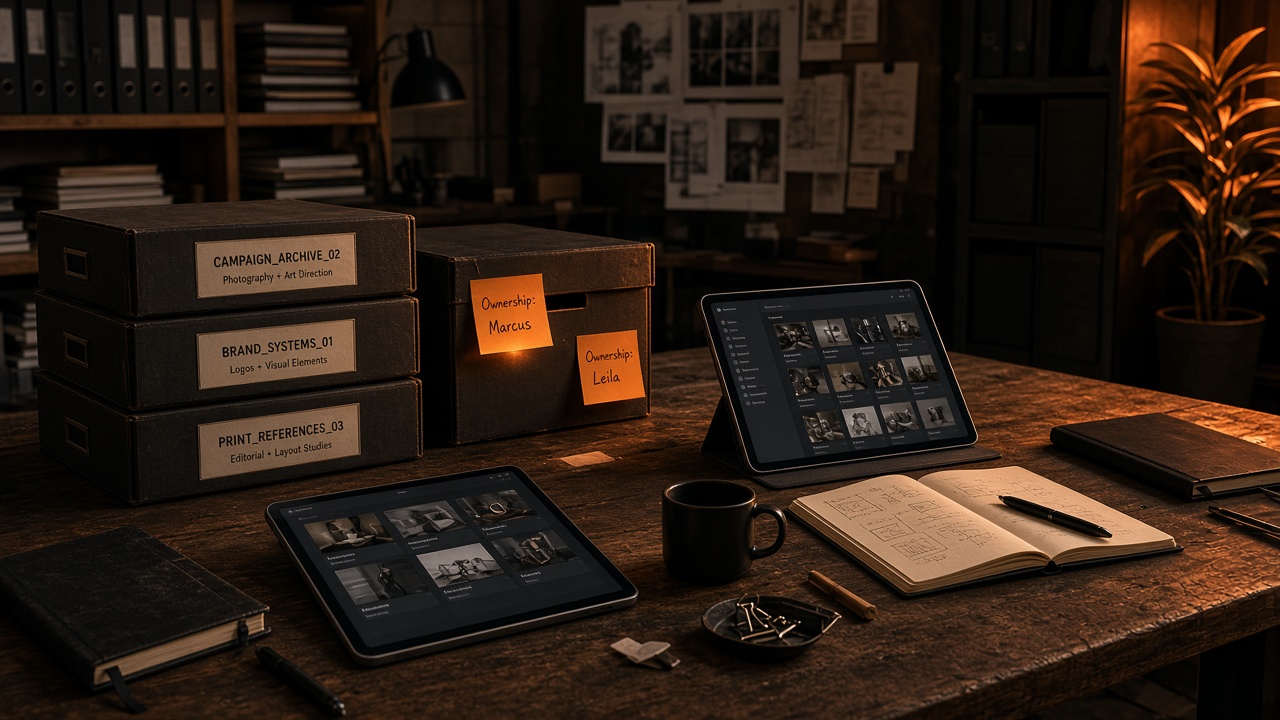
Creative teams move fast. Asset libraries grow faster. Without a clear system, designers waste hours hunting files, re-downloading packs, and debating which version is “final.”
This guide covers practical ways to manage design assets across agencies and in-house studios: ownership, licensing, and how files leave the library.
1. Assign clear ownership

Every asset library needs a named owner (or rotating owners) responsible for:
- Naming conventions and folder structure
- License documentation
- Archiving deprecated packs
When ownership is vague, duplicates multiply. When ownership is explicit, teams trust the library.
2. Separate “source of truth” from working files
Keep a canonical library for approved, licensed assets. Give project folders a copy or reference, not a second unofficial archive.
A simple split:
| Layer | Purpose |
|---|---|
| Library | Licensed, approved, searchable |
| Project | Active work only |
| Archive | Completed jobs, read-only |
3. Prefer logged downloads over shared drives for stock pulls
Shared Drive dumps hide cost. For Magnific / Freepik pulls, prefer a flow where each success costs one credit and leaves a history line. Products like Nubo do that so finance can see who spent what.
4. Kill shared provider passwords
One Freepik login in WhatsApp is how seats get locked and audits get ugly. Admins keep the API key. Designers paste URLs.
5. Use expiring download links for handoffs
Permanent URLs leak. Temporary private links (about two hours on Nubo) force people to archive the file into the real library.
Closing
Asset management is mostly habits: named owners, clear folders, logged stock pulls, no shared passwords. Start with those four and the Slack archaeology drops fast.